Generative UI
Render your agent's behavior with custom UI components.
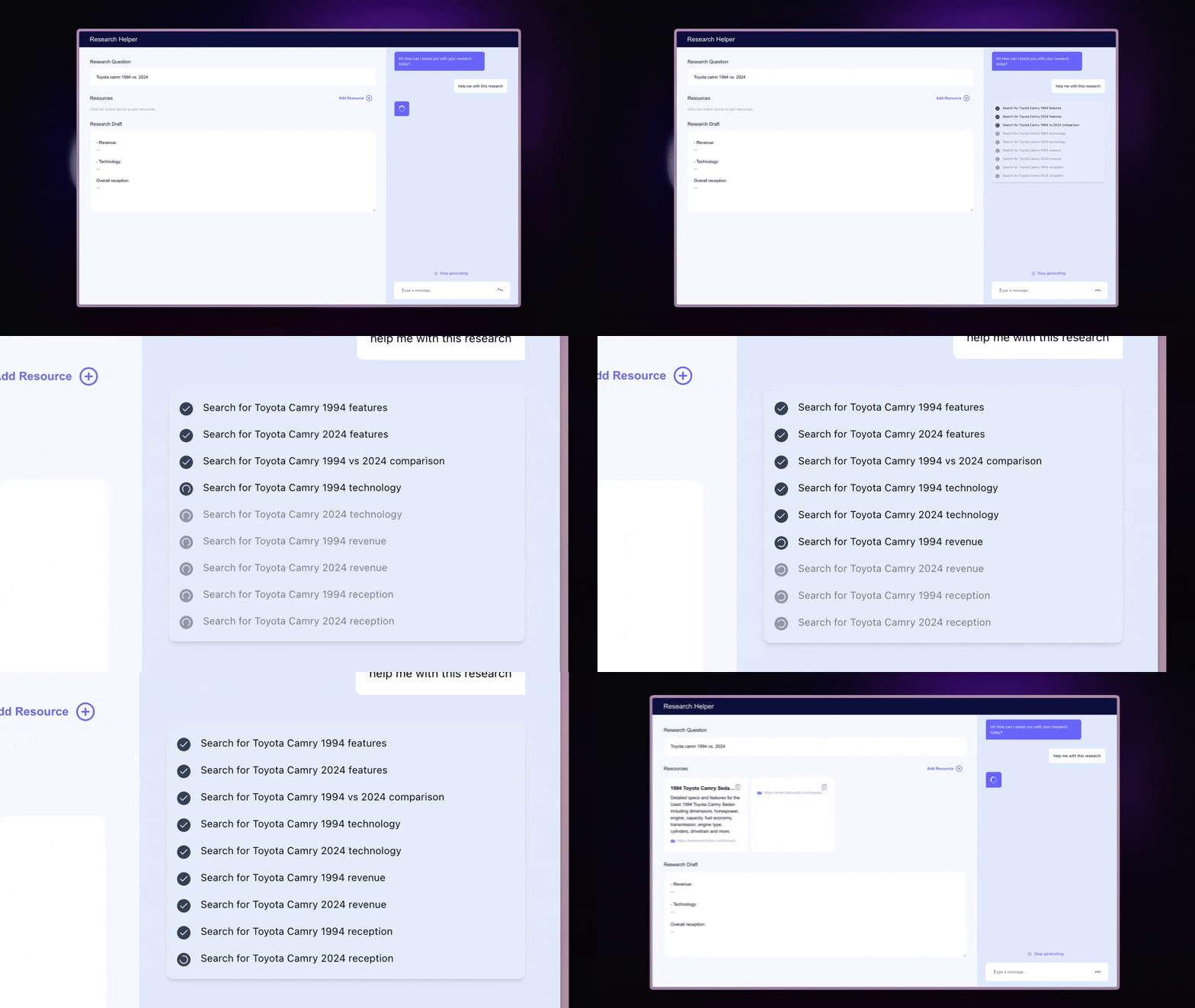
This example shows our Research Canvas making use of Generative UI!
What is Generative UI?
Generative UI lets you render your agent's state, progress, outputs, and tool calls with custom UI components in real-time. It bridges the gap between AI agents and user interfaces. As your agent processes information and makes decisions, you can render custom UI components that:
- Show loading states and progress indicators
- Display structured data in tables, cards, or charts
- Create interactive elements for user input
- Animate transitions between different states
How can I use this?
To get started, you first need to decide what is going to be backing your generative UI. There are three main variants of Generative UI with CopilotKit for Microsoft Agent Framework.


