Frontend Tools
Learn how to enable your Copilot to execute tools in the frontend.
Let the Copilot Execute Tools
useFrontendTool
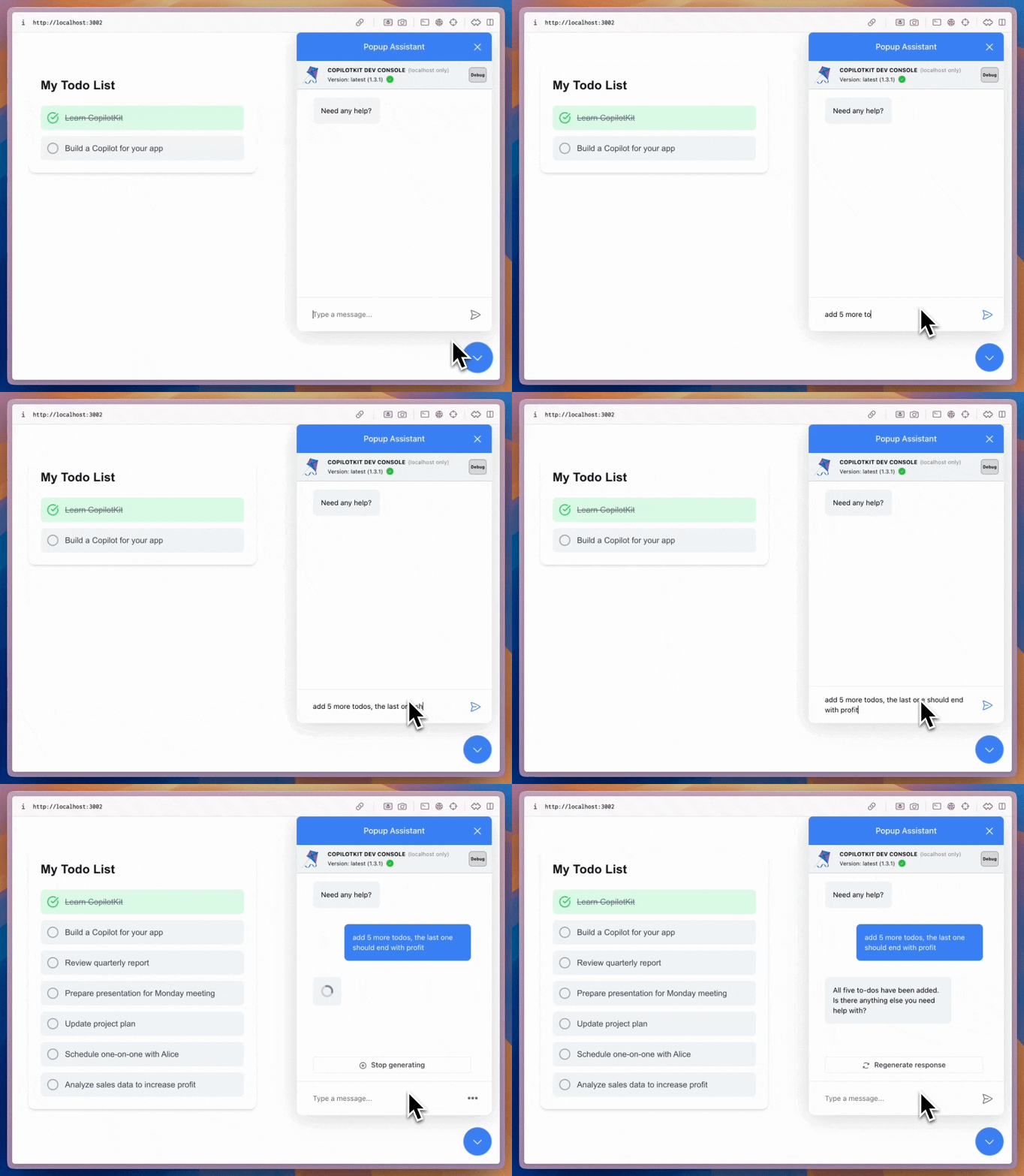
In addition to understanding state, you can empower the copilot to execute tools. Use the useFrontendTool hook to define specific tools that the copilot can execute based on user input.
"use client" // only necessary if you are using Next.js with the App Router.
import { useFrontendTool } from "@copilotkit/react-core";

export function MyComponent() {
  const [todos, setTodos] = useState<string[]>([]);

  // Define Frontend Tool
  useFrontendTool({
    name: "addTodoItem",
    description: "Add a new todo item to the list",
    parameters: [
      {
        name: "todoText",
        type: "string",
        description: "The text of the todo item to add",
        required: true,
      },
    ],
    handler: async ({ todoText }) => {
      setTodos([...todos, todoText]);
    },
  });

  return (
    <ul>
      {todos.map((todo, index) => (
        <li key={index}>{todo}</li>
      ))}
    </ul>
  );
}Specify "use client" (Next.js App Router)
This is only necessary if you are using Next.js with the App Router.
"use client"Like other React hooks such as useState and useEffect, this is a client-side hook.
If you're using Next.js with the App Router, you'll need to add the "use client" directive at the top of any file using this hook.
Test it out!
After defining the tool, ask the copilot to execute it. For example, you can now ask the copilot to "add a todo item" with any text you want.