Frontend Data
Learn how to connect your data to CopilotKit.
For your copilot to best answer your users' needs, you will want to provide it with context-specific, user-specific, and oftentimes realtime data. CopilotKit makes it easy to do so.
Add the data to the Copilot
The useCopilotReadable hook is used to add data as context to the Copilot.
"use client" // only necessary if you are using Next.js with the App Router.
import { useCopilotReadable } from "@copilotkit/react-core";
import { useState } from 'react';

export function YourComponent() {
  // Create colleagues state with some sample data
  const [colleagues, setColleagues] = useState([
    { id: 1, name: "John Doe", role: "Developer" },
    { id: 2, name: "Jane Smith", role: "Designer" },
    { id: 3, name: "Bob Wilson", role: "Product Manager" }
  ]);

  // Define Copilot readable state
  useCopilotReadable({
    description: "The current user's colleagues",
    value: colleagues,
  });
  return (
    // Your custom UI component
    <>...</>
  );
}
Specify "use client" (Next.js App Router)
This is only necessary if you are using Next.js with the App Router.
"use client"Like other React hooks such as useState and useEffect, this is a client-side hook.
If you're using Next.js with the App Router, you'll need to add the "use client" directive at the top of any file using this hook.
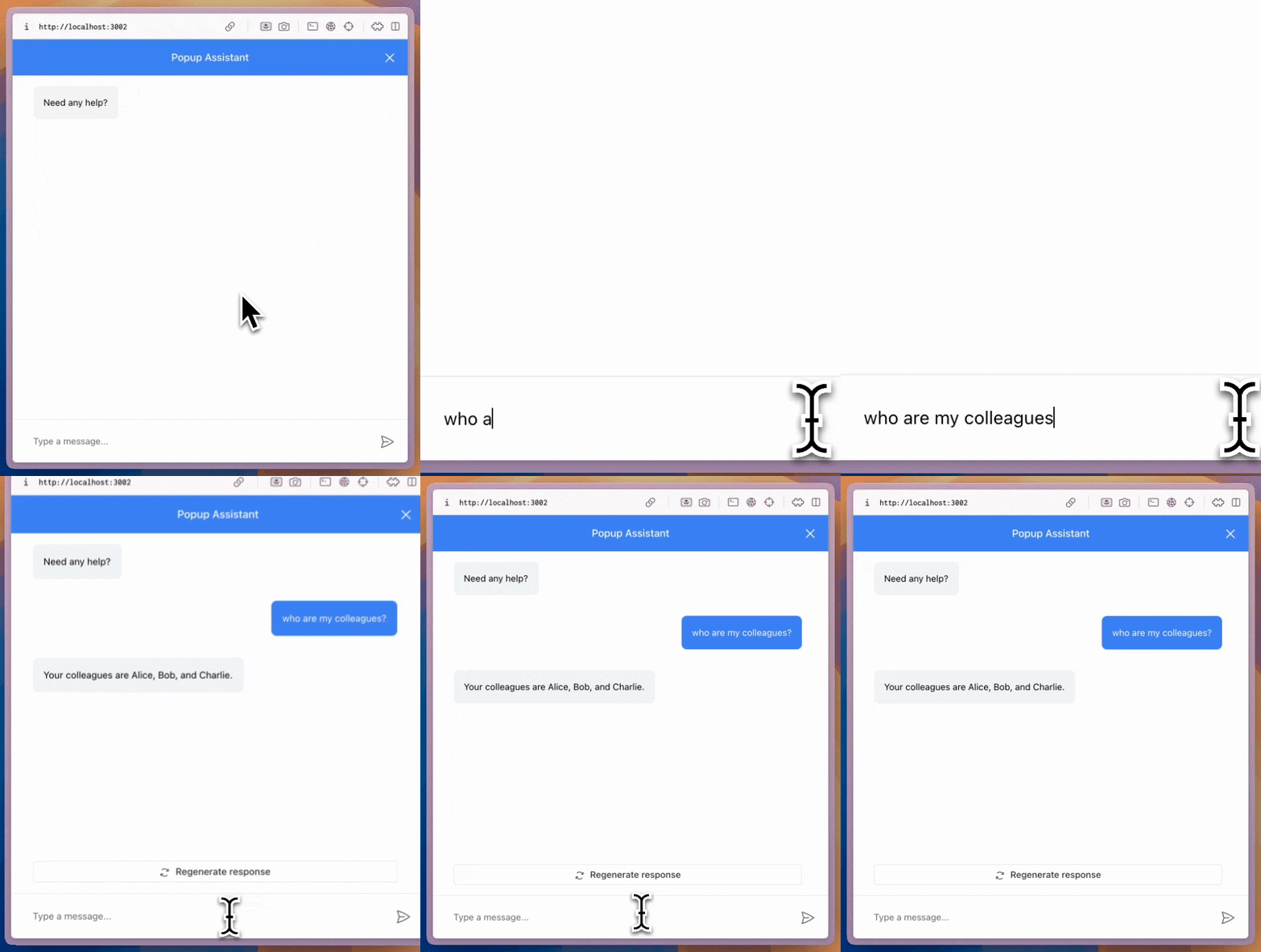
Test it out!
The data you provided is now available to the Copilot. Test it out by passing some data in the hook and asking the copilot questions about it.