Reading the outputs
Read the agent state in your native application.
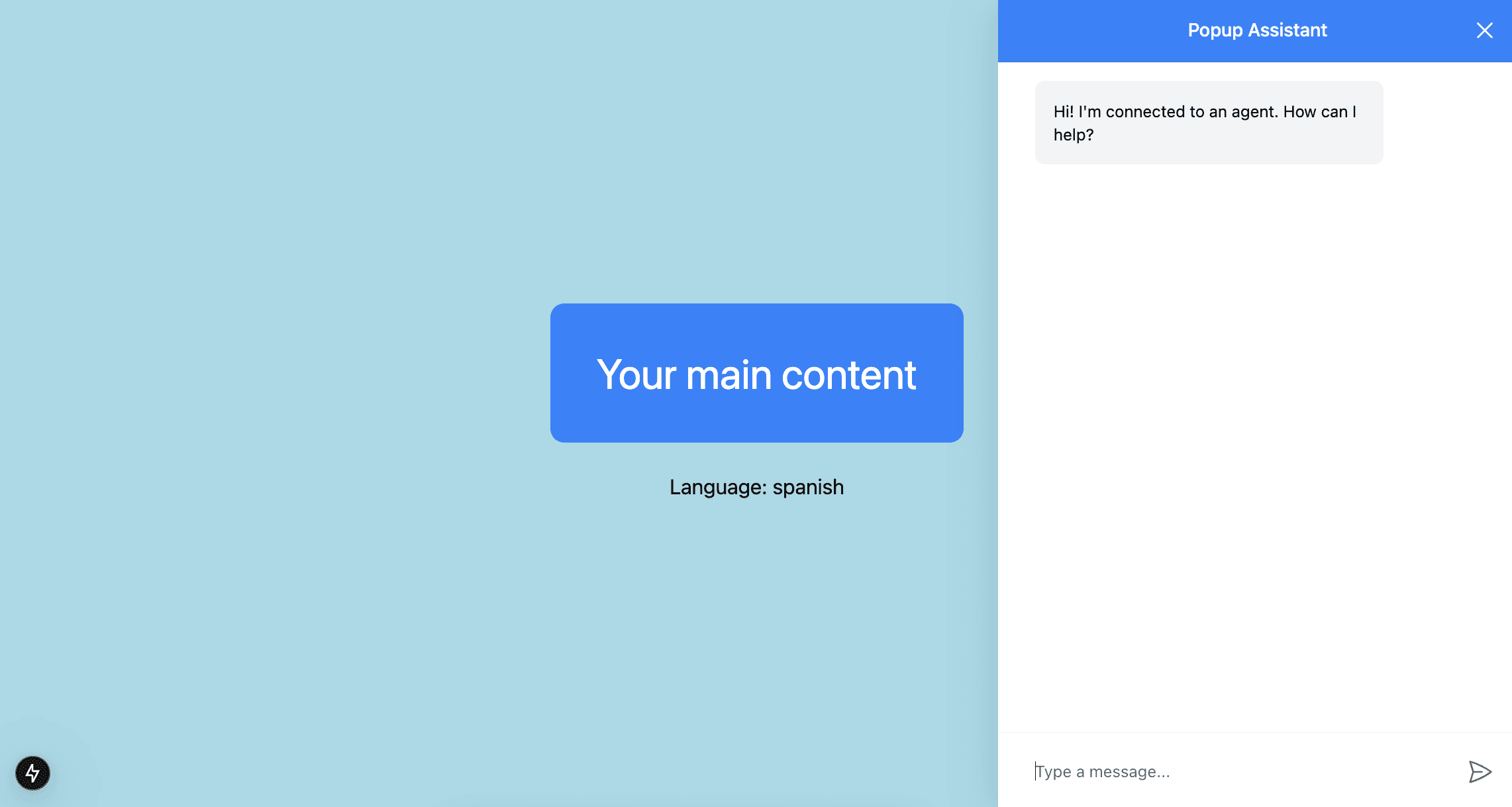
Pictured above is the coagent starter with the implementation section applied!
What is this?
You can easily use the realtime agent state in the native application UX.
When should I use this?
You can use this when you want to provide the user with a way to read the outputs of a CrewAI Crew from your application.
Implementation
Run and Connect Your Agent to CopilotKit
You'll need to run your agent and connect it to CopilotKit before proceeding. If you haven't done so already, you can follow the instructions in the Getting Started guide.
If you don't already have an agent, you can use the coagent starter as a starting point as this guide uses it as a starting point.
Use the useCoAgent Hook
With your agent connected and running all that is left is to call the useCoAgent hook, pass the agent's name, and optionally provide an initial state.
import { useCoAgent } from "@copilotkit/react-core";

// Define the agent state type, should match the actual state of your agent


function YourMainContent() {
  const { state } = useCoAgent({
    name: "research_crew",
    initialState: {
      inputs: {
        topic: "",
        current_year: "2025",
      },
      outputs: "Report will appear here",
    },
  });

  // ...

  return (
    // style excluded for brevity
    <div>
      <h1>Your report:</h1>
      <p>{state.outputs}</p>
    </div>
  );
}
The state in useCoAgent is reactive and will automatically update when the agent's state changes.
Give it a try!
As the agent state updates, your state variable will automatically update with it! In this case, you'll see the report update when the crew is done running.


